Websites · bots · automation
You focus on your product and audience. We build your website, set up your bot, connect payments and automate customer requests.
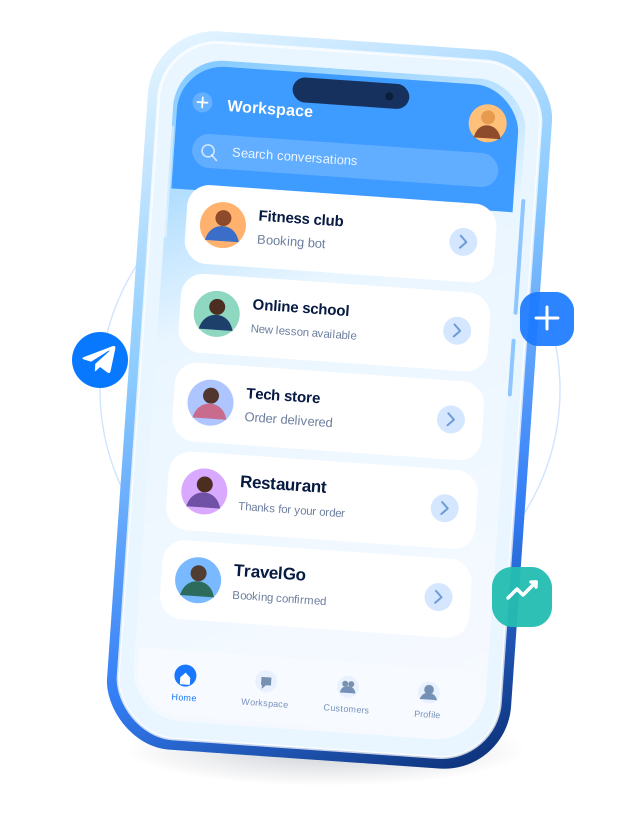

What we build
Websites and bots that help you sell
We build landing pages and connect bots, payments and your CRM. One tool or a complete sales flow — inside Telegram or on your website.

Orders & bookings
A shop or booking page linked from your profile, with order confirmations and reminders.

Courses & communities
Sell courses and digital products. Automate subscriptions and access to your private club.

Telegram Mini Apps
A shop, booking service or customer account that opens right inside Telegram.

Bots & AI
Handle requests, answer from your knowledge base and send updates automatically.

Payments & integrations
Connect payments, subscriptions and your CRM. Keep orders and customer details in sync.
01 / 05Orders & bookings
Mononode · Demo projects
Take a look. Give it a try.
From the first tap to the finished task. Three working apps you can explore right now.
01 mononodeDEMO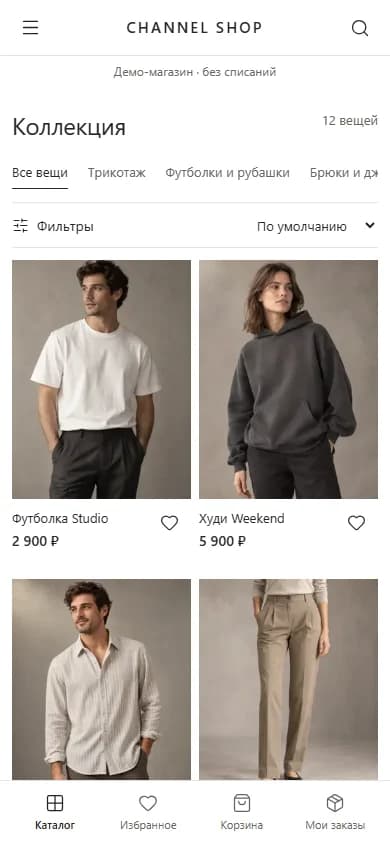
01 / 03
Collection
Telegram storefront
Channel Shop
Find something you like, add it to your bag and place a test order. The entire shopping journey in one app.
02mononodeDEMO
mononodeDEMO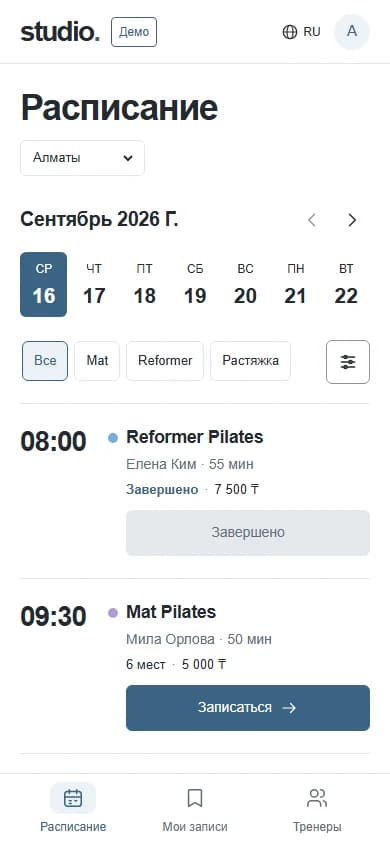
01 / 03
Schedule
Class booking
Studio Booking
Choose a class and a time that works for you. Book, reschedule or cancel without messaging the studio.
03mononodeDEMO
mononodeDEMO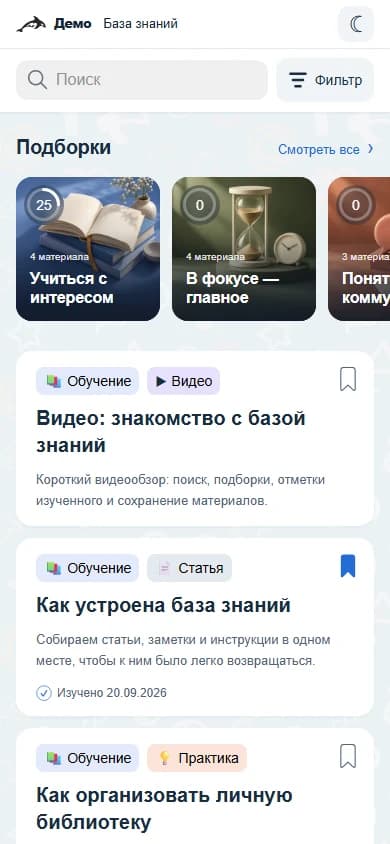
01 / 03
Article library
Telegram knowledge base
PRST Knowledge Base для инфобизнеса
Find an article, filter by topic and open it to read. Explore a demo adapted from our real knowledge base project.
Ready to explore
Demo content and test payments. The PRST knowledge base is in Russian. The shop or booking demo may take about a minute to open initially.
Process
From the first idea to launch
We agree on the first core flow before development. You try a working version in Telegram, then we build on your feedback.
First working version guaranteed in 7 days from the agreed kickoff.
- 01
Scope
Agree on the goal, first features, budget and start date.
- 02
Design
Review the screens and the steps your customers will take.
- 03
Build
Try the first working flow and give feedback.
- 04
Test
Check access, payments and key actions across devices.
- 05
Launch
Release the product, monitor it and plan the next improvements.
Why Mononode
Know what you’re getting at every step
We agree on the scope, show working progress and explain what comes next. Design, development and testing stay with one team.
Source codeManagement toolsDocumentationNDA on request
Scope agreed before we start
You know what is included in the first version, what comes later and how the estimate is put together.
Working versions to review
Try the product during development and check how it handles your real customer scenarios.
One team for the whole build
The interface, bot and connected systems are designed together, so you do not have to coordinate separate suppliers.
A plan after launch
We agree on support and future updates separately, based on what the product and its users need.
Your product, connected to the tools you already use
Telegram Bot APIPaymentsCRMAnalyticsAI assistantsAPIs & webhooksHostingWeb3 if needed
In our clients’ words
These are examples for now. Real client reviews will follow.
Client name
Business owner
Company / brand
Project
Orders and bookings
Example review
We wanted enquiries and payments to follow one clear path. At every stage, we could see what was ready and what would happen next.
FAQ
Questions before you start
What we can build, how we estimate it and what you receive.
Is Telegram the right place for my product?
It can be a good fit if your customers already use Telegram and need a convenient way to order, learn or get support. We start by looking at your audience and task. A Mini App gives them access to your product; attracting that audience is a separate task.
Can we start with just one feature?
Yes. We choose one useful customer journey, such as placing an order or opening a lesson. This keeps the first version focused and lets you gather feedback before adding more features.
What will I get in the first seven days?
A working version of one agreed core flow that you can try inside Telegram. The seven days start on the agreed project kickoff date. A complete MVP usually takes 4–8 weeks, depending on payments, integrations and management tools. We agree on both milestones before development.
What determines the cost?
The number of screens, business rules, integrations and management tools. After discussing the task, we provide a breakdown by stage and agree on the scope before work starts. Additional features are estimated separately.
Can you connect my existing website or CRM?
Yes, where your system provides the necessary access or API. We check its capabilities first and agree on which data and actions to connect, such as customers, orders, payments or course access.
What happens after launch?
We hand over the code and documentation and explain how to manage the product. Monitoring, maintenance and new features can be covered by a separate support agreement.
Let’s discuss your project
Let’s talk about your project
Tell us what you have in mind. We’ll suggest a solution and estimate the time and cost.
You can start with a single feature.